Dossier PDF · Byrds product · Free tool
Dossier PDF: watermarking ID documents without uploading them
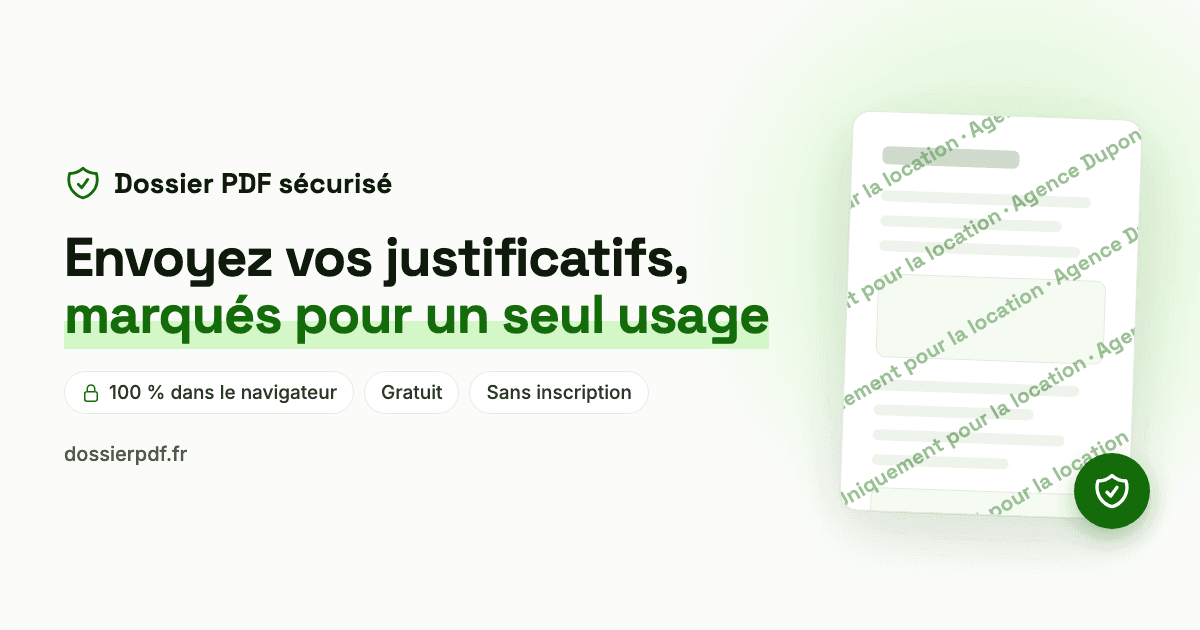
A tenant drops in an ID card and payslips, types “For rental use only · Agence Dupont” and downloads a file marked on every page. The documents never leave the browser.
Byrds product · Design and development
Former Head of Engineering, Tech Lead and TypeScript/Next.js developer at Byrds Consulting.
Dossier PDF stamps a mention on every page of a document set before it is sent: “For rental use only”, the agency’s name, the date. It is free and needs no account. Two constraints shaped the design: the site never receives the documents, and the exported mention must not be removable.
Starting point
A copy of your ID card sent with every viewing
Renting a flat, opening a bank account or applying for credit in France means sending a copy of your ID, payslips and tax notice. Those copies then sit in inboxes, at agencies and sometimes with fake landlords. An unmarked copy can be reused for another application in its owner’s name.
A mention such as “For rental use only · Agence Dupont · November 2026” makes that reuse visible. Most online tools that add one ask you to upload the documents to their servers, which means handing a stranger the very papers you are trying to protect.
The product contract
Mark a full document set without an account and without the files leaving the device.
- Accept PDFs, JPEG or PNG photos and ZIP archives in a single drop.
- Read and modify files in the browser, never on the server.
- Export a mention that cannot be deleted or hidden.
- Show exactly what will be exported before the download.
The technical problem
A watermark added as a layer can be removed
The simplest approach draws the text on top of the existing PDF page. The result looks right, but the mention remains a separate object: a PDF editor can select and delete it. An annotation or form field from the original document can also render above it and hide it.
Dossier PDF therefore renders each full page, annotations and fields included, and draws the mention into the same pixels. The flattened pages are reassembled into a new PDF that keeps their original size in points. The exported file has no separate layer left to remove.
Mention in the pixels
Each page is rendered to an image with the mention, then put back. Nothing from the source document can sit in front of it.
Page size kept
Pages keep their displayed size, crop box and rotation included. An A4 page stays A4.
Identical preview
Preview and export use the same rendering engine. What the user approves on screen is what they download.
Text no longer selectable
Text in the exported PDF is no longer selectable and forms can no longer be filled. The site’s FAQ says so.
For supporting documents the trade-off is acceptable: the recipient needs to read them, not edit them. Flattening also drops encryption, so a password-protected PDF opens without its password afterwards.
Architecture
The server delivers the page, the browser does the rest
The site is a Next.js application. The server sends the interface and the content pages; all file processing runs in the tab. The pdf.js worker is bundled with the site instead of loaded from a third-party CDN, and pdf-lib, which draws the mention, loads only when the user needs it.
Rendering a page at 144 dpi works on a desktop, but a large-format scan can exceed the canvas size a mobile browser accepts. Safari on iOS caps canvas area at 16.7 million pixels. The export scale is reduced page by page when needed, instead of failing on the user’s phone.
Drop and sort
File type detected from the bytes. ZIP archives opened up to three levels deep, up to 200 files and 500 MB per import.
Normalisation
JPEG and PNG photos turned into PDF pages. A protected PDF asks for its password, which stays in memory only.
Mention overlay
A transparent PDF of the same size, with the mention repeated in staggered rows, rotated and optionally wavy.
pdf.js rendering
Page and overlay rendered together, the same way for preview and export.
pdf-lib export
Each page flattened to JPEG and reassembled into a new PDF. Several documents are bundled into a ZIP.
// 144 dpi, independent of the preview size and of the device pixel ratio.
const EXPORT_SCALE = 2
// Below the canvas limits of browsers (iOS: 16.7 Mpx in area, 16384 px per side elsewhere).
const MAX_CANVAS_PIXELS = 16_000_000
const MAX_CANVAS_SIDE = 16_000

const scale = Math.min(
    EXPORT_SCALE,
    Math.sqrt(MAX_CANVAS_PIXELS / (width * height)),
    MAX_CANVAS_SIDE / width,
    MAX_CANVAS_SIDE / height,
)
The other limits follow the same logic: 2,000 entries per archive, 50 million pixels per PNG, 20 seconds to validate a file. A malformed or oversized document should produce a clear message rather than freeze the tab.
The journey
Four steps from drop to marked documents
The whole journey fits on one page. Settings start from readable defaults: a multicolour mention in greyish tones, 40% opacity, a 30° angle and a slight wave. A tenant in a hurry can download without touching anything.
01
Drop the files
PDFs, photos or ZIPs, several at once, subfolders included. Unreadable files are reported one by one.02
Write the mention
Up to ten lines. Characters the font cannot draw, such as emoji, are flagged before download.03
Adjust in the preview
Colour, opacity, angle, size, spacing, repetition and wave, with a live preview.04
Download
One PDF for one document, one ZIP for several. Ready to attach to an email or upload to a platform.
The mention size is computed per page: the rotated text block always fits within the page, and the centre copy stays whole however long the mention is.
Live product
A free tool whose server receives no documents
Dossier PDF is live at dossierpdf.fr, free and without sign-up. Byrds Consulting publishes it and hosts it in France on OVH. Dedicated pages cover rental applications, ID cards and photos, along with a French guide on protecting documents against identity theft.
What the user gets
From dropping files to a document set ready to send.
- A document set with the chosen mention on every page.
- A mention built into the pixels that a PDF editor cannot delete as a layer.
- Support for password-protected PDFs without sending the password anywhere.
- Works on desktop and mobile with nothing to install.
No document sent to the server
Privacy does not rely on a promise to delete files after processing. The server never receives them, and even error tracking masks the preview area.
Product and technical documentation
- Dossier PDF. Product site (French). Watermarking tool, settings, import limits and FAQ.
- Protéger ses justificatifs contre l’usurpation d’identité. Dossier PDF (French). Guide on document reuse risks and the documents a French landlord may request.
- PDF.js. Mozilla. PDF rendering engine used for preview and export.
- pdf-lib. Project documentation. Builds the mention overlay and assembles the exported PDF.
- Canvas maximum size. MDN Web Docs. Maximum canvas sizes per browser, including the area limit on iOS.